
Android 13 · Tiramisu · Reviewed October 16, 2026
Cricfy TV App for Android 13: The Easiest Install, With One Catch
Android 13 is the friendliest modern Android for APKs. It has no old app block, no Samsung Auto Blocker, and no call lock. However, it also stopped getting security patches in 2026. Here is how to install the Cricfy TV app the easy way, stay safe anyway, and download the free, virus free APK for Android 13 right here.
Good news first. If your phone runs Android 13, you picked the smoothest Android version for the Cricfy TV app. Newer versions keep adding locks, scans, and waiting periods. Android 13 simply asks one question, and then it installs.
Still, “easy” comes with a trade. Google ended security updates for Android 13 in early 2026, so your phone now leans harder on you to make safe choices. This guide covers both sides. You get the fast install, the three prompts you will meet, one sneaky button that kills live streams, and the habits that keep an unpatched phone safe.
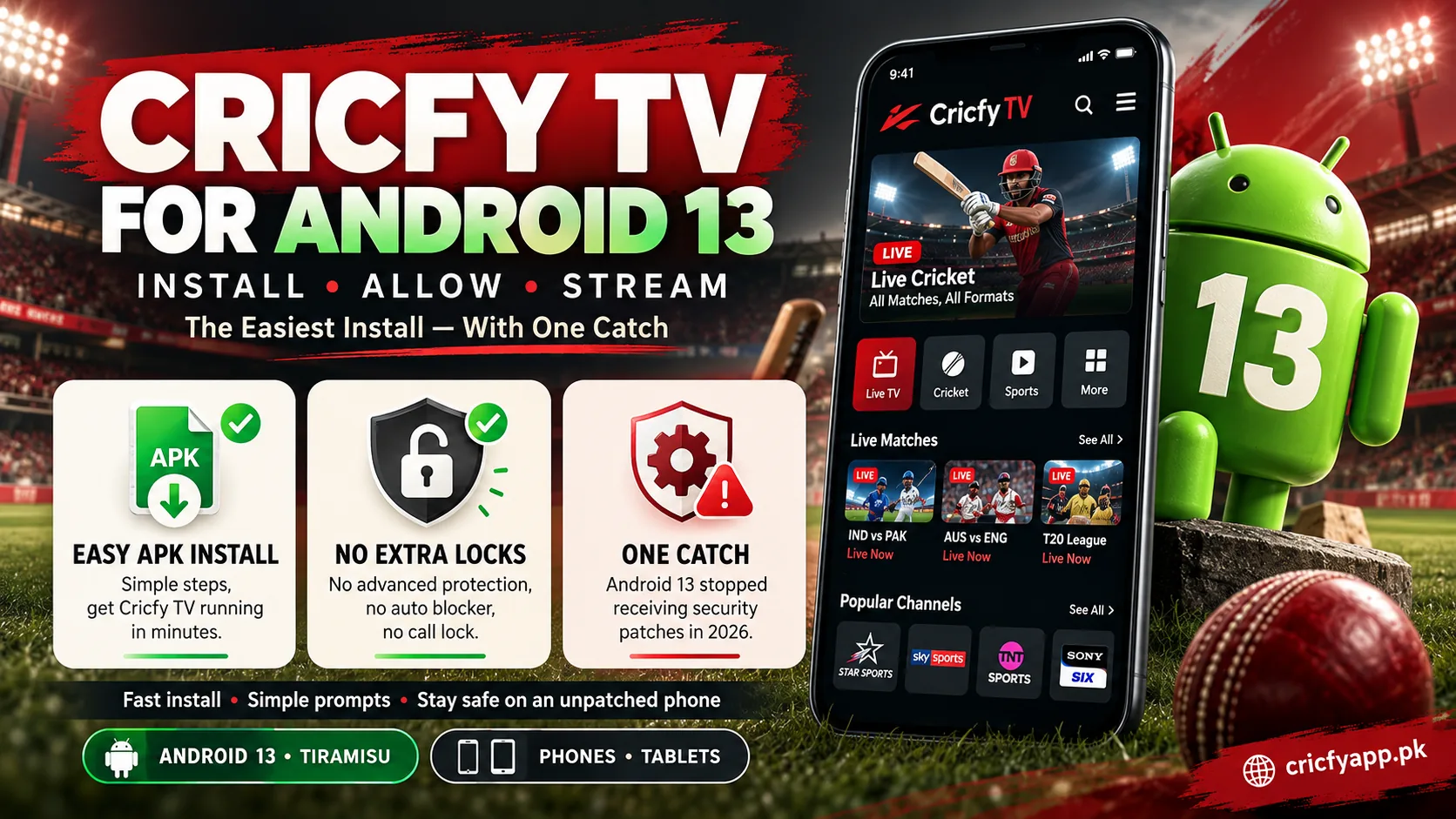
What makes Android 13 easy
- No block on older APK formats
- No Samsung Auto Blocker in One UI 5
- No install lock during phone calls
- No Advanced Protection mode
The catch to know
- Security patches ended in early 2026
- A notification prompt you must answer
- An “Active apps” button that stops streams
- Old Cricfy builds install but do not stream
Why Android 13 Is the Smoothest Version for the Cricfy TV App
Android 13 arrived on August 15, 2022, as API level 33, under the dessert codename Tiramisu. Since then, every new Android release has added at least one new hurdle for sideloaded apps. Android 13 sits just before all of them.
So, how big is the difference? This comparison shows which hurdles your Android 13 phone simply does not have.
| Hurdle | Android 13 | Arrived in |
|---|---|---|
| Block on very old APK formats | None | Android 14, raised again in 15 |
| Samsung Auto Blocker | None | One UI 6 on Android 14 |
| Extra approval for sideloaded permissions | Partial | Started in 13, widened in 15 |
| Install permission blocked during calls | None | Android 16 |
| Advanced Protection mode | None | Android 16 |
In other words, the only lock Android 13 adds is “restricted settings,” and the Cricfy TV app never touches it. If you later upgrade, our guides for Android 14, Android 15, and Android 16 cover the extra steps.
Install the Cricfy TV App on Android 13 in Two Minutes
Here is the whole trip at a glance. After that, each stop gets one short line of detail.
- Download
- Open file
- Allow source
- Install
- Allow alerts
Download. Tap the button below to get the free, virus free Cricfy TV app APK for Android 13 straight from CricfyApp.pk. If Chrome calls the file harmful, tap Download anyway, because Chrome says that about every APK.
Open file. Tap the finished download in your notification shade.
Allow source. Android 13 says your browser cannot install unknown apps. Tap Settings, switch on Allow from this source, and press back.
Install. Tap Install. Play Protect may pop up, so read it and continue for the CricfyApp.pk file.
Allow alerts. Open the app and tap Allow on the notification prompt. That is it.
Once you finish, switch your browser’s install permission off again under Settings > Apps > Special app access > Install unknown apps. On an unpatched phone, this small habit matters more than ever. For the general Android walkthrough, visit our Cricfy TV download for Android page.
Three Android 13 Prompts and What to Tap
Android 13 talks to you through pop ups. Each one looks a bit alarming, yet each one has a simple right answer.
Allow Cricfy TV to send you notifications?
Tap: Allow
Android 13 was the first version to ask this for every app. Say yes if you want toss and match start alerts. If you said no by accident, turn it on in Settings > Apps > Cricfy TV > Notifications.
Play Protect: this app was not scanned / may be unsafe.
Tap: More details, then decide
Play Protect flags most apps from outside the Play Store. For the original file from CricfyApp.pk, you can continue. For a file from a chat group, cancel.
Restricted setting: for your security, this setting is currently unavailable.
Tap: OK, and question the app
Android 13 introduced this shield for apps installed from a browser or a chat app. As Chrome Unboxed explained at launch, it blocks Accessibility and notification access for such apps. The real Cricfy TV app never asks for either, so if you see this message, the app you installed is not Cricfy.
The “Active Apps” Button That Quietly Kills Your Stream
Here is a problem almost nobody connects to Android 13. Pull down your notification shade, and at the bottom you may see a small button that says something like “2 active apps.” Tap it, and Android lists apps running in the background, each with a Stop button.
Many people tap Stop on everything to “clean up” their phone. However, Google’s Android 13 task manager documentation confirms that Stop closes the entire app and ends any media playback. So, if Cricfy sits in that list during a match, one tap ends your stream instantly.
Also, set Cricfy’s battery mode to Unrestricted under Settings > Apps > Cricfy TV > Battery. Together, these two habits stop nearly all background cut outs on Android 13.
Your Brand on Android 13, Plus How to Hide Cricfy
Android 13 skins stay relaxed about APKs, so installs rarely fail. Instead, people ask a different question: how do I keep the app private on a shared phone? This table answers both.
| Brand | Android 13 skin | Install note | Way to hide Cricfy |
|---|---|---|---|
| Samsung | One UI 5, 5.1 | No Auto Blocker yet. Standard prompt. | Secure Folder |
| Xiaomi, Redmi, POCO | MIUI 14 | Security scan with a short countdown. | App lock with hidden apps |
| Oppo, Realme | ColorOS 13, Realme UI 4.0 | A “risky file” notice before install. | Hide apps in privacy settings |
| OnePlus | OxygenOS 13 | Close to stock Android. | Hidden Space |
| Vivo, iQOO | Funtouch OS 13 | May ask you to confirm twice. | App encryption or privacy tools |
| Infinix, Tecno | XOS 13, HiOS 13 | Standard prompt. | Brand privacy space, where offered |
| Pixel, Motorola, Nothing | Stock Android 13, Nothing OS 2 | Smoothest of all. | No built in hider |
One tip for Samsung owners in particular: Secure Folder has its own app list. On most Galaxy phones, you can move the APK into Secure Folder with its Add files option and install it from there. The app then stays hidden behind a separate lock.
Android 13 Installs Old Cricfy Builds. Should You?
Because Android 13 has no old app block, it accepts nearly any Cricfy build you throw at it, even very old 4.x files. Android 14 and newer refuse some of those outright. That sounds like an advantage, but it is mostly a trap.
Older Cricfy builds point to stream servers that no longer respond. As a result, they install, open, and then show empty channels or errors. Therefore, start with v7.2. If a particular phone struggles with it, step back only one generation, to v6.6, v6.5, or v6.2. Our old versions archive explains when each build makes sense.
Working servers and the latest fixes. Free and virus free.
Android download detailsInstalls on Android 13, but its servers are long gone.
Read the v4.9 historyThe Security Patch Question Every Android 13 User Should Ask
This is the part most Cricfy pages skip, and it matters. According to teltarif’s report on the end of Android 13 support, Google dropped Android 13 from its monthly security bulletins in spring 2026. In plain words, new security holes on Android 13 no longer get fixed by Google.
That does not mean your phone becomes unsafe overnight. Google Play system updates, Play Protect, and Chrome still update on their own. Still, an unpatched phone gives you less room for mistakes. So, follow these four habits:
- One source only. Download Cricfy from CricfyApp.pk, never from chat groups or pop up ads.
- Close the door after. Switch off “Install unknown apps” for your browser once Cricfy is in.
- Read the permission list. Delete any “Cricfy” that wants SMS, Accessibility, or notification access.
- Upgrade if offered. Check Settings > Software update. If your brand offers Android 14 or newer, take it.
For a full permission breakdown, read our Is Cricfy TV safe guide. And never install a “premium unlocked” build, as our mod APK warning explains.
If This Happens on Android 13, Do That
Android 13 rarely blocks the install itself, so most problems show up after the app opens. Match your symptom below.
- “App not installed”Uninstall any older Cricfy first, free 100 MB, and retry. More in our install error guide.
- “There was a problem parsing the package”The download broke halfway. Delete it and download again on a stable connection.
- Stream stops when you switch appsCheck the Active apps button and set battery to Unrestricted, as shown above.
- Channels load forever or go blackSwitch server in the player, then see the black screen fix.
- Picture but no soundTry another server, then follow the no sound fix.
- Constant bufferingLower the quality, or read the buffering fix.
- “Unexpected error occurred”Update to v7.2 and turn off your VPN. Details in the unexpected error fix.
- Wrong time breaks every channelTurn on automatic date and time, using the date and time fix.
Anything else? The Cricfy TV not working guide and our solutions hub cover every case we know.
Android 13 Myths That Waste Your Time
Myth: You need a special “Android 13 APK.”
Fact: One universal Cricfy APK covers Android 13 and every other supported version.
Myth: Rooting makes Cricfy run better on Android 13.
Fact: Root adds nothing for streaming and removes protections an unpatched phone needs.
Myth: The oldest build is the most stable one.
Fact: Old builds install fine on Android 13, but their servers no longer stream.
Myth: Android 13 cannot cast or use picture in picture.
Fact: Both work well. Enable picture in picture under Special app access, and see our Chromecast fix for casting.
On a TV box running Android TV 13? The same APK works there too. Follow our Android TV and Google TV guide, or the Cricfy TV for Smart TV page for other TV brands.
Android 13 Questions, Answered Briefly
Where can I download the Cricfy TV app APK for Android 13?
Right here on CricfyApp.pk. Tap any of the three download buttons on this page, and you get the untouched v7.2 file at no cost. It is virus free and needs no account.
Does the Cricfy TV app work on Android 13?
Yes, fully. Android 13 is actually one of the easiest versions for installing it.
Is it safe to sideload on Android 13 now that patches ended?
It is reasonably safe if you use one trusted source, close install permission afterwards, and reject apps that ask for SMS or Accessibility.
Why did my match stop when I cleaned up my phone?
You probably tapped Stop next to Cricfy in the Active apps list. That closes the whole app on Android 13.
Does Samsung One UI 5 block the Cricfy APK?
No. Auto Blocker only arrived with One UI 6 on Android 14. On One UI 5, the standard install prompt is all you see.
Should I upgrade from Android 13 before installing Cricfy?
Install Cricfy now if you like. However, accept an Android 14 or newer update whenever your brand offers one, because it brings fresh security patches.
Will Google’s 2026 sideloading rules affect Android 13 phones?
Google’s developer verification began on September 30, 2026, in Brazil, Indonesia, Singapore, and Thailand only. Elsewhere, nothing changes until the global rollout in 2027.
Can I run Cricfy on a computer instead?
Yes. Our Cricfy TV for PC guide shows the BlueStacks method.
Your Next Move
Android 13 gives the Cricfy TV app an easy home. You allow one source, tap Install, and answer one notification prompt. Then two habits keep it running: leave Cricfy alone in the Active apps list, and keep its battery mode Unrestricted. Finally, because Android 13 no longer gets patches, stick to one trusted download source.
So, grab the free, virus free Cricfy TV app APK for Android 13 below. Then explore the channel list, line up the Premier League on Cricfy TV, and check the CricfyApp.pk homepage whenever a new build lands.