Cricfy TV v5.7 APK — The Version That Fixed the Unexpected Error
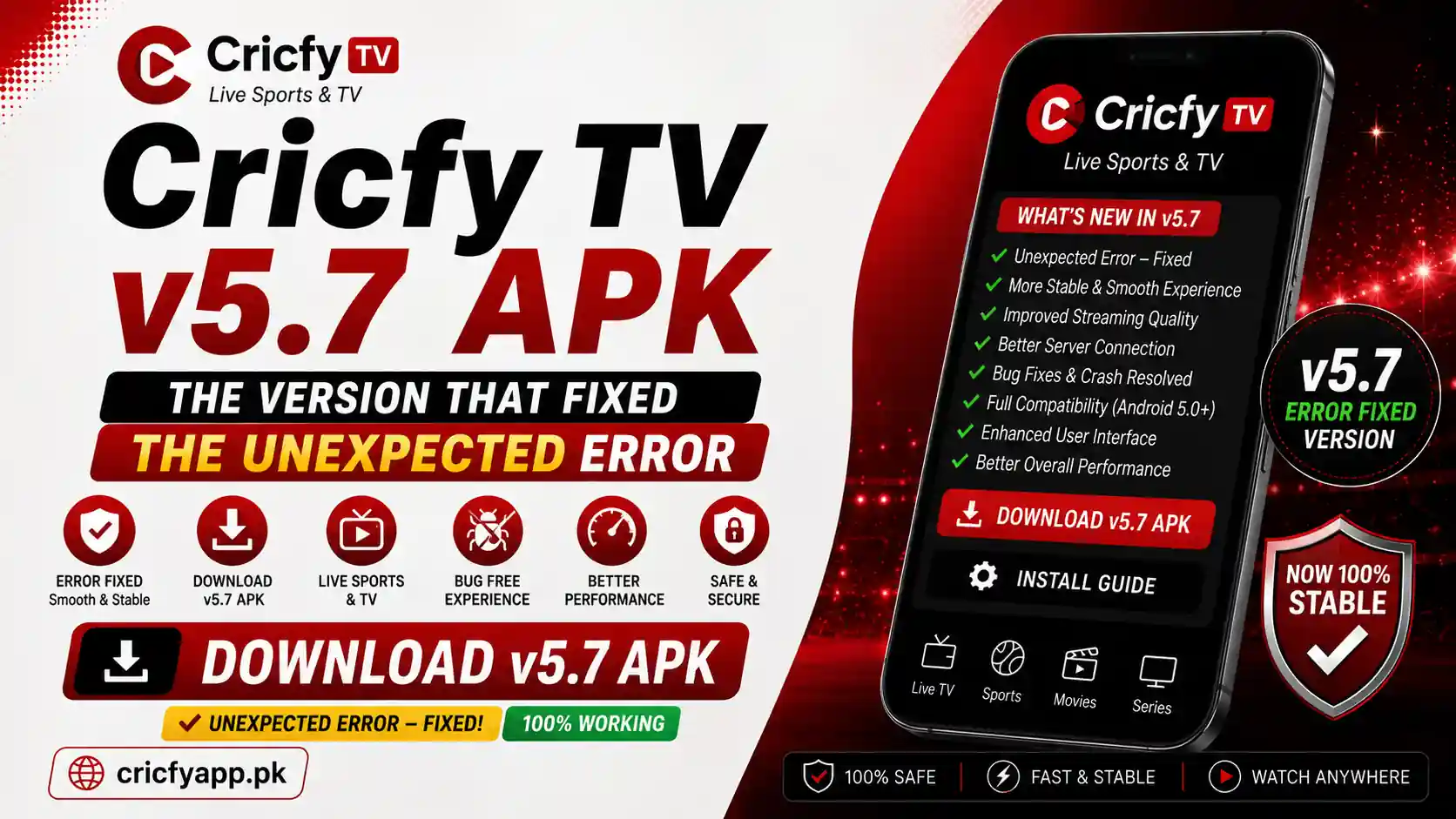
Before Cricfy TV moved through newer builds, many users searched for one particular release: Cricfy TV v5.7 APK. The reason was simple. People dealing with the frustrating “Unexpected Error Occurred” message wanted a version that appeared to work more reliably on their Android device.
However, there is an important distinction here. v5.7 is now a legacy version. That means this page is not telling every user to downgrade. Instead, it explains what Cricfy TV v5.7 is, why users associate it with the unexpected-error problem, who may still want an older build, and when installing the latest version makes more sense.
If your main goal is to watch Cricfy Live TV, cricket, football, sports channels, or other live content, start by understanding the version problem rather than blindly installing the oldest APK you can find.
What Is Cricfy TV v5.7 APK?
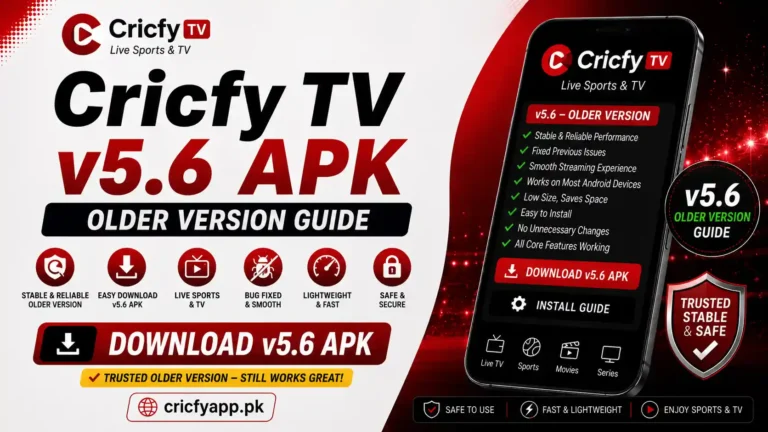
Cricfy TV v5.7 is an older release of the Cricfy TV Android application. Users searching for this version usually have one of two goals.
- They used v5.7 before and want that familiar version again.
- They experienced the “Unexpected Error Occurred” message on another build and want to know whether v5.7 handled the problem better.
The second reason matters most. App errors can come from several places: outdated application data, a changed streaming endpoint, a network problem, cached files, or an issue on the service side. Therefore, changing the APK version can sometimes change the result, but a version change is not a universal fix.
That is why you should treat Cricfy TV v5.7 as a legacy troubleshooting option, not automatically as the best version available today.
If a newer Cricfy TV build shows an unexpected error, first identify whether the problem comes from the APK, cached data, your network, or the streaming source. Downgrading to v5.7 only makes sense when you have a specific compatibility reason.
Why Do Users Connect v5.7 With the “Unexpected Error Occurred” Problem?
The phrase “Cricfy TV unexpected error” has become a major troubleshooting search because the message gives the user almost no useful information. The app may open normally, but a channel or stream fails when the user tries to play it.
Older and newer builds can behave differently because an application version may handle cached data, network requests, player components, or service endpoints differently. That does not prove that one version permanently fixes every error.
| Possible cause | What you may notice | What to try first |
|---|---|---|
| Outdated build | Multiple channels fail or the app cannot load current data. | Check the latest available build first. |
| Corrupted cache | The app worked before but suddenly starts failing. | Clear cache and restart the app. |
| Network problem | Streams buffer, fail, or work on mobile data but not Wi-Fi. | Test another connection. |
| Service-side issue | Several channels fail at the same time. | Wait and test again later. |
| Bad installation | The APK installs incorrectly or behaves inconsistently. | Delete it and reinstall from a trusted source. |
This is exactly why installing a random “fixed” APK from an unknown website is a bad idea. A different filename does not guarantee a different build, and an unofficial file can create a security problem that is far worse than a streaming error.
What Users Typically Wanted From Cricfy TV v5.7
People looking for an older Cricfy Live version generally do not search for it because they want fewer features. They usually want a lighter or familiar experience that works on their device.
Simple Live Streaming Access
Core UseCricfy TV exists primarily as a live-streaming application. Users typically search for cricket, sports, television, and other live channels without wanting to navigate through a complicated interface.
Compatibility With Older Android Hardware
Legacy AppealOlder APK versions can sometimes appeal to users running older phones, TV boxes, or Android-based streaming devices. However, compatibility depends on the actual device, Android version, processor architecture, and the requirements of the application build.
A Potential Troubleshooting Baseline
DiagnosticA legacy version can help users compare behavior. For example, if one build consistently fails on the same device while another build works, that points toward a version-specific compatibility issue. It does not automatically identify the exact technical cause.
Should You Download Cricfy TV v5.7 APK Today?
Here is the direct answer: not automatically.
If you simply want Cricfy Live TV to work, the sensible starting point is the current version available through your trusted Cricfy source. Newer builds may contain compatibility changes, fixes, or updated application behavior.
You should consider an older build such as v5.7 only when you have a clear reason, such as testing compatibility on an older device or restoring a setup that previously worked better for you.
“Cricfy TV v5.7 APK” written in a filename does not prove that the file is authentic or unchanged. Avoid APK files from unknown mirrors, random Telegram forwards, and websites that provide no clear source information.
For the current Cricfy app and main download information, use the internal CricfyApp.pk homepage. If you want the broader app overview first, see the complete Cricfy Live TV guide.
How to Install Cricfy TV v5.7 APK on Android
If you already have a legitimate and trusted copy of the v5.7 APK, the installation process on Android is straightforward. The exact menu names can vary between Samsung, Xiaomi, Google Pixel, OnePlus, and other Android devices.
- Open your phone’s Settings and check which version of Cricfy TV is currently installed.
- If you plan to downgrade, uninstall the current version first when Android does not allow the older APK to install over it.
- Download or transfer the trusted APK file to your Android device.
- Open the APK through your browser or file manager.
- Review Android’s installation warning carefully before continuing.
- Install the application and open it.
- Test more than one channel before deciding whether the unexpected-error issue is resolved.
Android continues to add stronger controls around applications installed outside verified sources. Google recommends using verified developers and provides security checks such as Play Protect, which can scan apps and warn about potentially harmful software.
Cricfy TV v5.7 Device Compatibility
APK compatibility is not just about whether you own an Android device. The Android version, device certification, available storage, processor architecture, and the APK itself can all affect installation and performance.
Check the installed Android version, available storage, and whether the APK can install normally. If the app previously worked and suddenly fails, clear its cache before assuming that the version itself is the problem.
Android TV and Google TV devices may use different installation paths from phones. Confirm that the device supports the APK, then check date and time, network stability, and available storage if streaming fails.
Fire TV uses a customized Android-based operating system. Installation procedures and permissions can differ from standard Android. Check Amazon’s current guidance before enabling installation from external sources.
Cricfy TV v5.7 vs Newer Versions
The wrong way to compare versions is to assume that older means more stable or newer means automatically better. The real question is which version works correctly with the current service and your specific device.
| Factor | Cricfy TV v5.7 | Newer builds |
|---|---|---|
| Version status | Legacy release | Current or more recent release |
| Best reason to use | Specific compatibility or legacy testing | General day-to-day use |
| Error troubleshooting | Useful as a comparison point | Usually the first version to check |
| Current service changes | May not reflect later changes | More likely to target current behavior |
| Recommendation | Use only with a clear reason | Check first before downgrading |
You can also compare the later release history through the related guides for Cricfy TV v5.9, Cricfy TV v6.2, and Cricfy TV v6.5.
What to Do If Cricfy TV v5.7 Still Shows “Unexpected Error”
If you install v5.7 and the same message appears, stop assuming that another APK version will magically solve the problem. Test the basics in a logical order.
- Test another channel. One failed stream does not prove that the entire app is broken.
- Force-close the app. Remove it from recent apps, then open it again.
- Clear the cache. Go to Settings → Apps → Cricfy TV → Storage → Clear Cache.
- Test another network. Compare Wi-Fi with mobile data when possible.
- Restart the device. This can clear temporary system-level issues.
- Check the current Cricfy version. If v5.7 cannot connect while a current build works, the old version may no longer be appropriate for the current service.
For a full troubleshooting flow covering the error itself, visit our Cricfy TV Unexpected Error guide. For broader problems such as buffering, black screens, loading failures, or crashes, see Cricfy TV Not Working.
Is Cricfy TV v5.7 APK Safe?
No one can honestly tell you that every file labeled “Cricfy TV v5.7 APK” is safe. Safety depends on the exact file and where it came from.
An APK can be renamed, repackaged, modified, or bundled with unwanted software. Therefore, the source matters more than the version number printed on the download page.
Before installing any APK outside the Play Store, check the source, review requested permissions, and pay attention to Android or Google Play Protect warnings. Do not disable security protections merely because a random website tells you to do so.
If Android warns that an app may be harmful, do not treat the warning as meaningless. Verify the file and its source before continuing. An app that streams sports is not worth compromising your device or personal data.
For a deeper discussion of app permissions and security considerations, see our Cricfy TV safety guide.
Cricfy Live TV, Cricket Channels and Official Broadcasting
Search interest around Cricfy Live often includes terms such as live cricket streaming, PTV Sports live, Ten Sports live, Star Sports, football channels, and free sports streaming.
However, channel availability inside any third-party app can change, and sports broadcasting rights are territory-specific. A channel that legally broadcasts an ICC tournament in Pakistan may not have the same rights in another country.
For that reason, always check official broadcasters for major tournaments. The International Cricket Council publishes broadcaster information for specific events and territories, while the Pakistan Cricket Board provides official information about Pakistani cricket.
If you want to explore Cricfy’s channel coverage, use our Cricfy Live TV channel list. For an app-level comparison, you can also read Cricfy TV vs Sportzfy TV vs HD Streamz.
Related Cricfy Live TV Guides
This v5.7 page answers the legacy-version question. These related pages cover the rest of the Cricfy ecosystem.
- Cricfy TV Home — main CricfyApp hub and current app information.
- Cricfy Live TV — full overview of the app, usage, and supported viewing options.
- Cricfy TV Unexpected Error — focused troubleshooting for the exact error associated with this version search.
- Cricfy TV Not Working — wider troubleshooting for loading, buffering, and playback issues.
- Cricfy Live TV Channel List — channel-focused information.
- Cricfy TV v5.9 APK — the next legacy release in the version cluster.
- Cricfy TV v6.2 APK — later version coverage.
- Cricfy TV v6.5 APK — additional release information.
Frequently Asked Questions
What is Cricfy TV v5.7 APK?
Cricfy TV v5.7 is an older Android APK release. Users commonly search for it as a legacy version, especially when investigating compatibility or the “Unexpected Error Occurred” message.
Did Cricfy TV v5.7 fix the Unexpected Error?
The version is associated with that search intent, but no universal fix can be guaranteed. The error can come from cached data, network problems, service-side issues, installation problems, or version compatibility.
Should I use v5.7 instead of the latest Cricfy TV version?
Usually, no. Check the current version first. Consider v5.7 only when you have a specific reason to test an older build or restore compatibility on a device where another version behaves differently.
Can I install Cricfy TV v5.7 on Android TV?
It depends on the specific APK and your Android TV device. Check Android compatibility, available storage, installation permissions, and whether the build supports your device architecture.
Why does Cricfy TV work on mobile data but not Wi-Fi?
That usually points toward a network, router, DNS, or ISP-level difference rather than the application version alone. Test another network before uninstalling or changing versions.
Will clearing Cricfy TV cache delete the app?
No. Clearing cache removes temporary files. Clearing app data is different and resets the application’s locally stored settings and information.
Is downloading an old APK risky?
It can be. The main risk is the source. A file advertised as an old version can be modified or malicious. Verify the source and pay attention to Android security warnings.
Which channels can I watch with Cricfy Live?
Channel availability can change. Check the current Cricfy Live TV channel list for app-specific coverage, and check official broadcasters for legal tournament availability in your country.
Is Cricfy TV v5.7 the latest version?
No. v5.7 is a legacy release. Check the CricfyApp.pk homepage for current version information before deciding whether you actually need an older build.
What should I do if every Cricfy TV channel shows an error?
Test another internet connection, restart the app and device, clear the cache, and check whether a current version behaves differently. If every stream fails simultaneously, the issue may also be outside your device.
Bottom Line
Cricfy TV v5.7 APK is best understood as a legacy version with strong troubleshooting search intent. Users associate it with the period when they searched for alternatives to the “Unexpected Error Occurred” problem.
That does not mean v5.7 is automatically better than every newer version. If your goal is simply to get Cricfy Live working, check the current version first. Use v5.7 when you have a specific compatibility reason or when you are deliberately comparing how different builds behave on the same device.
For the main app information, return to CricfyApp.pk. For the exact error discussed here, read the dedicated Unexpected Error troubleshooting guide.
Sources and References
- Google Android Help — Android developer verification
- Google Android Help — Allow app installs from unverified developers
- Google Play Help — How Google Play Protect helps keep apps safe
- International Cricket Council — Official ICC website
- International Cricket Council — Official broadcaster information
- Pakistan Cricket Board — Official PCB website
- ICC Under-19 Cricket World Cup 2026 — Official broadcasters by territory
- CricfyApp — Cricfy TV home and app information
- CricfyApp — Cricfy Live TV complete guide
- CricfyApp — Unexpected Error troubleshooting guide